The alarm clock for heavy sleepers.
Regular alarms stop working once you learn to swipe them off half-asleep. WakeBetter makes you prove you're awake first, then helps you build a morning routine that sticks.


Scan to downloadPoint your iPhone camera here.
- Free
- iPhone
- Productivity
- iOS 26 or later
- English
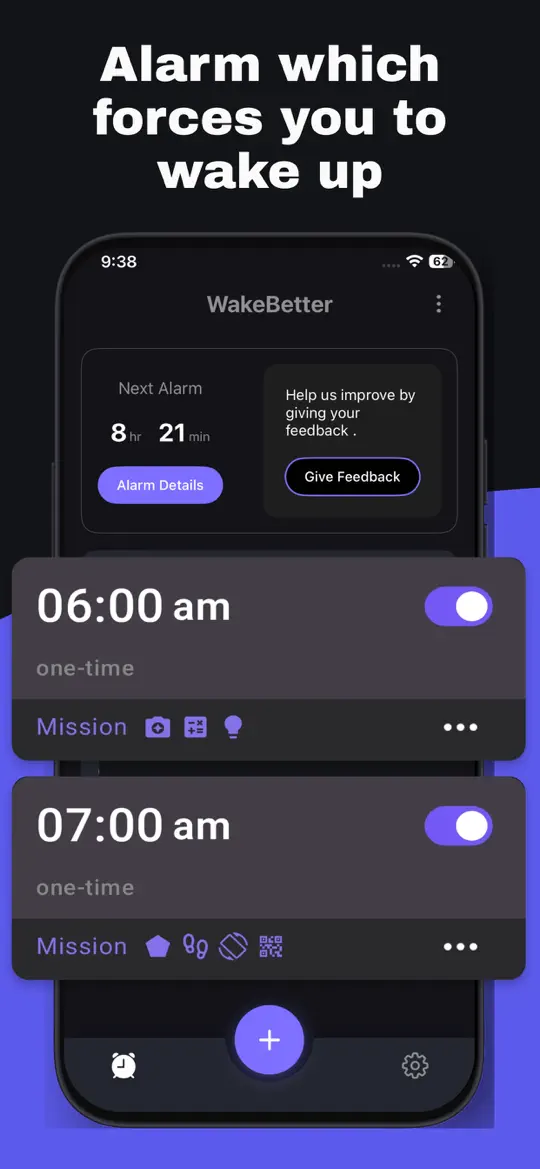
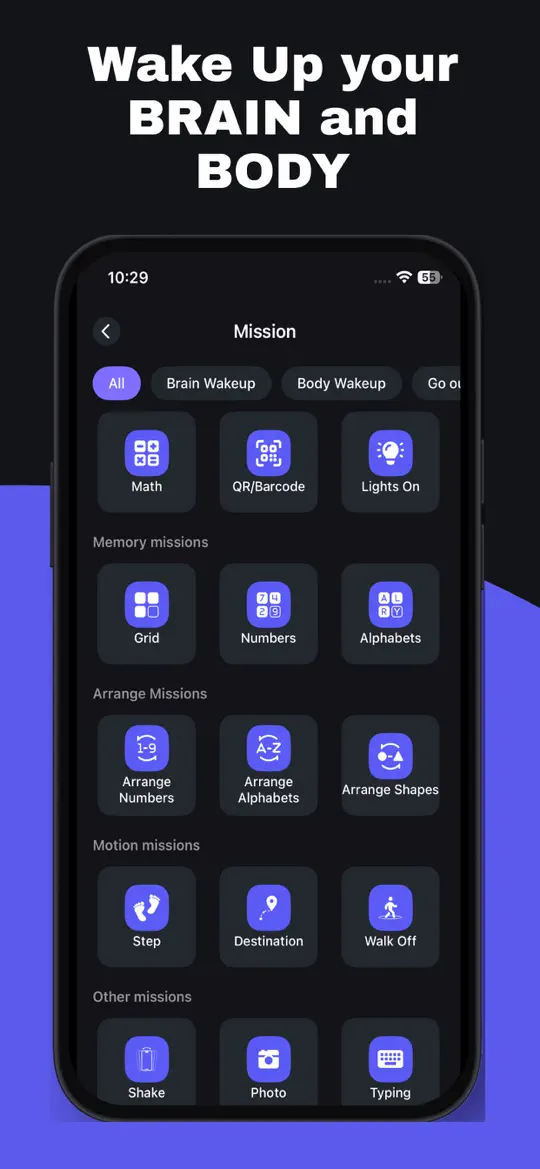
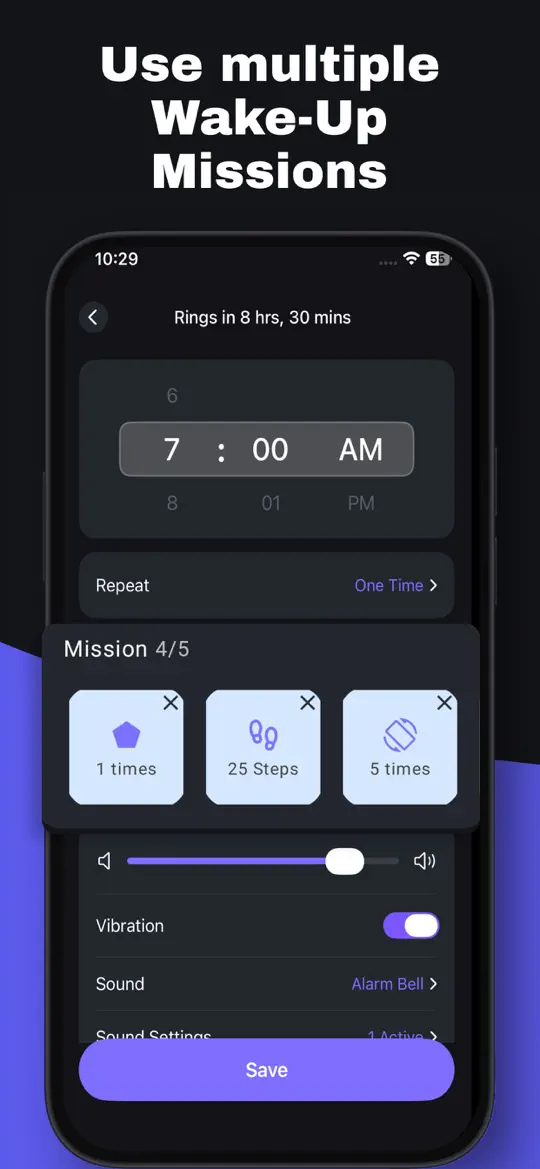
Scroll for more screenshots →
01 — What it does
No more five more minutes.
Missions to turn it off
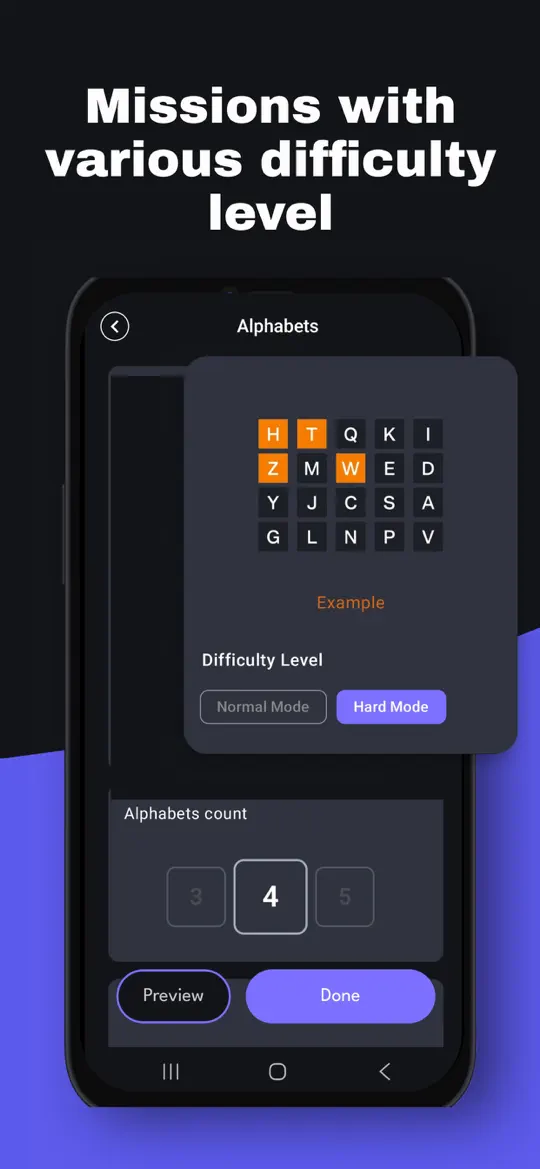
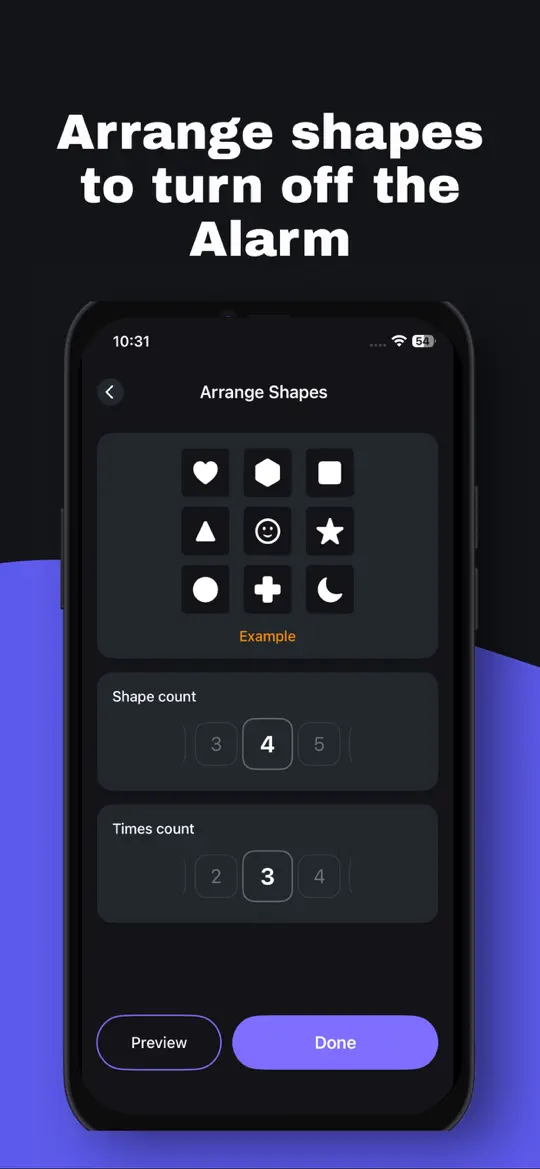
Solve a math problem, a puzzle or a memory game before the alarm goes quiet.
Get your body moving
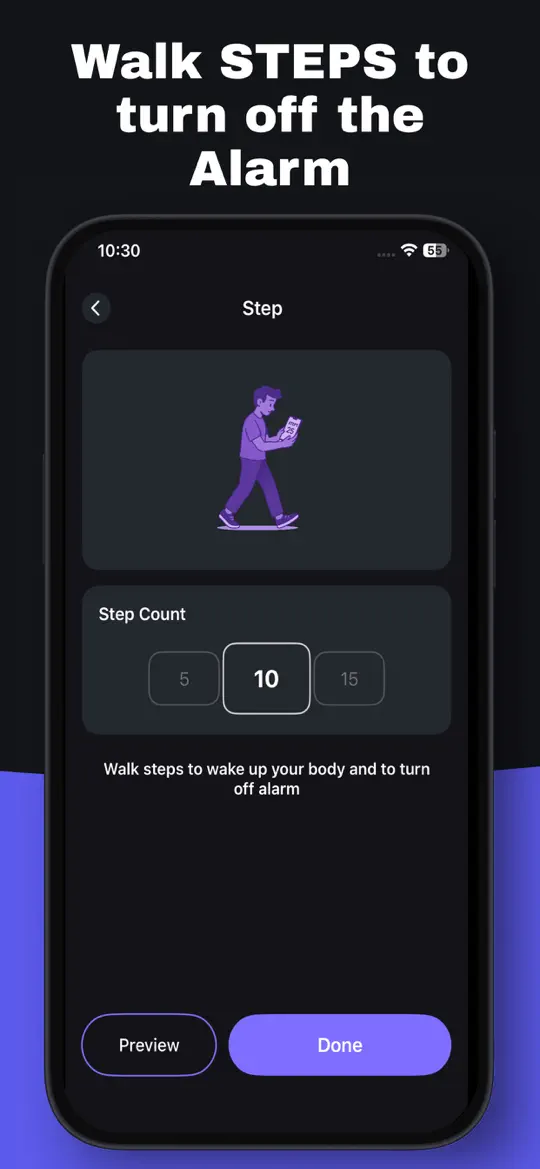
Do squats or walk a set number of steps to stop the alarm.
Scan to stop
Set a photo or barcode in advance, like your toothpaste. Scan it to turn the alarm off.
Loud and reliable
Alarms made for the heaviest sleepers, so you wake up on time.
Morning routine
Turn the first hour of your day into a routine you actually follow.
Sleep tracking
See your nights clearly, spot your patterns, and fix your schedule.
02 — How it works
Three steps. That's it.
Set it
Pick a time and choose a mission: math, a puzzle, steps, squats or a scan.
Wake up
The alarm keeps ringing until you finish the mission. No half-asleep swiping.
Start your day
Move straight into your morning routine, and see how you slept.
03 — Questions
Good to know.
How do I stop hitting snooze?
Use an alarm you can't turn off half-asleep. In WakeBetter, the alarm only stops after you finish a mission, like a math problem, squats or scanning a barcode.
What missions are there?
Math problems, puzzles, memory and arrange games, squats, walking steps, and scanning a photo or barcode you set in advance.
Does it track sleep?
Yes. WakeBetter has built-in sleep tracking, so you can spot your patterns and fix your schedule.
Who is it for?
Heavy sleepers, students, chronic snoozers, and anyone who finds normal alarms easy to ignore.
What do I need?
An iPhone with iOS 26 or later. WakeBetter is free to download on the App Store.
Is there an Android version?
On Android, try Alarmo, our mission alarm on Google Play.
Get Wake Better. It's free.
WakeBetter: Alarm & Routine · iOS 26 or later
04 — More from Bytesong
 QR & Barcode
 ScanX
 Auto Paste Keyboard
 Background Music
 Alarmo