
QR code & barcode scanner, free for iPhone.
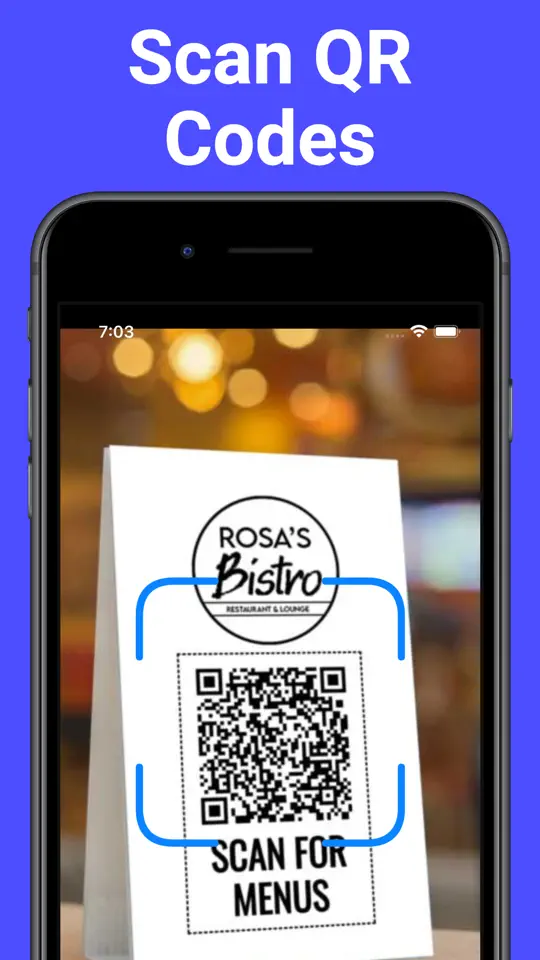
Point your camera at any code and see what's inside in a blink. Join Wi-Fi without typing a password, look up products, and make your own colorful QR codes.


Scan to downloadPoint your iPhone camera here.
- Free
- iPhone
- Utilities
- iOS 15.6 or later
- 17 languages
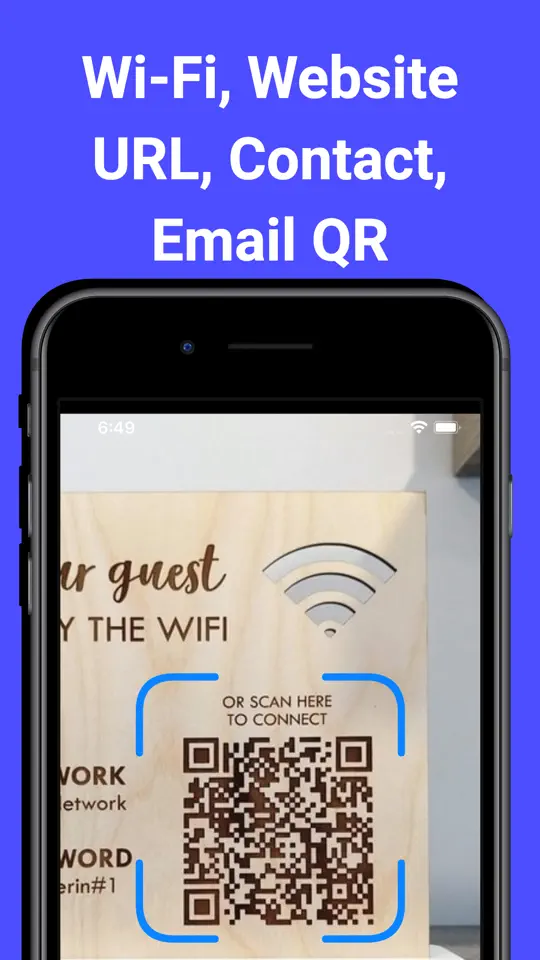
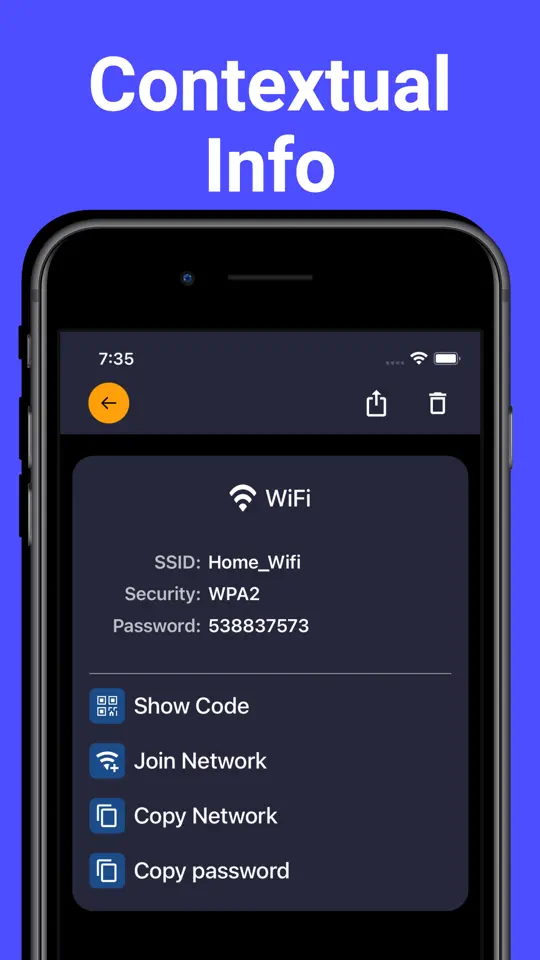
Scroll for more screenshots →
01 — What it does
Every code. One tap.
Reads every code
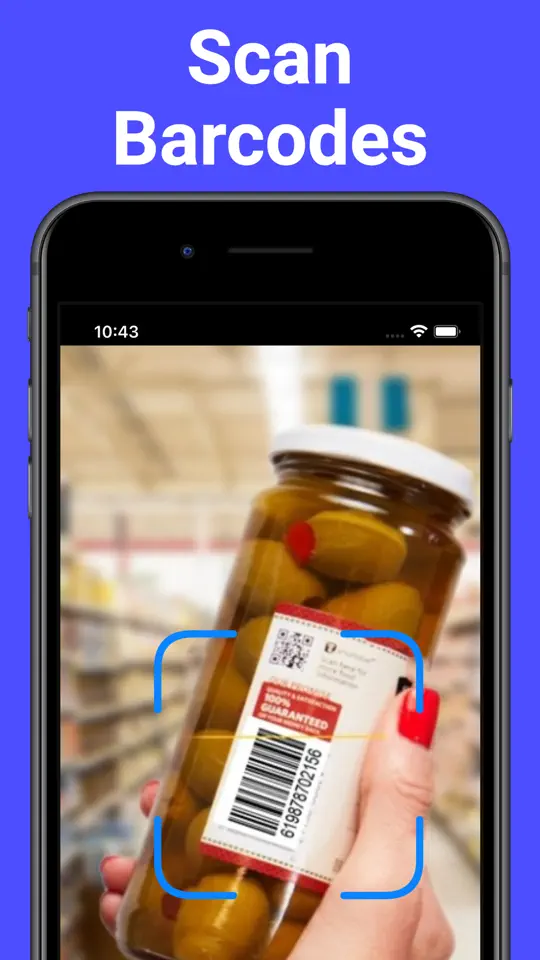
QR codes and barcodes of all kinds, including EAN-8, EAN-13, Code 128 and Data Matrix.
Join Wi-Fi instantly
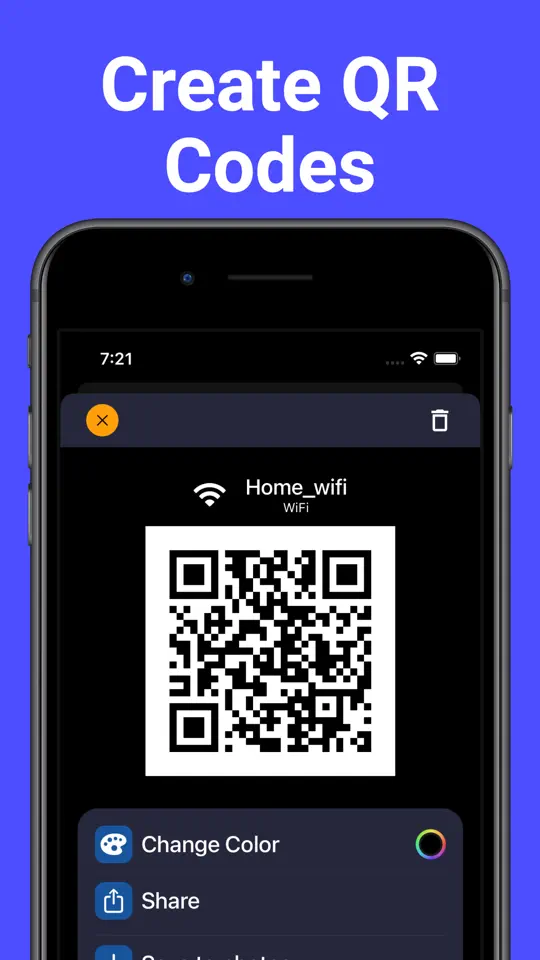
Scan a Wi-Fi QR code and connect in one tap. No more typing long passwords.
Make your own QR codes
Create codes for a website, text, Wi-Fi, phone number, contact or message.
Add color
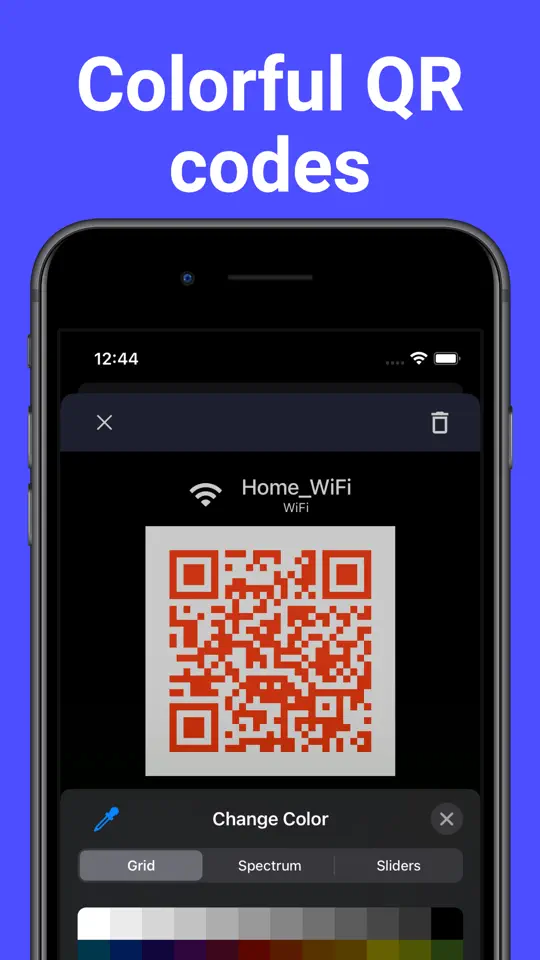
Design colorful custom QR codes and save them to your phone in high resolution.
Batch scan
Scan many QR codes or barcodes in one go, one after another.
History and product search
Every code you scan or create is saved. Search scanned products on the web.
02 — How it works
Three steps. That's it.
Point
Open the app and point your camera at a QR code or barcode.
Read
See what's inside right away: a link, a Wi-Fi network, a contact or a product.
Act
Open it, connect, save the contact, or share it. It's all one tap.
03 — Questions
Good to know.
How do I scan a QR code on iPhone?
Open QR & Barcode Scanner and point your camera at the code. The app reads it right away and shows what's inside, like a link, a Wi-Fi network or a contact.
Can it read product barcodes too?
Yes. It reads barcodes like EAN-8 and EAN-13, plus Code 128, Data Matrix and more. You can also search a scanned product on the web.
How do I make my own QR code?
Tap Create, pick the type (website, text, Wi-Fi, phone, contact or message) and fill it in. You can change the colors and save the image in high resolution.
Can I join Wi-Fi from a QR code?
Yes. Scan the Wi-Fi QR code and connect in one tap, without typing the password.
Is it free?
Yes. QR Code & Barcode Scanner is free to download on the App Store.
What do I need?
An iPhone with iOS 15.6 or later.
Get QR & Barcode. It's free.
QR Code & Barcode Scanner · iOS 15.6 or later
04 — More from Bytesong
 ScanX
 Auto Paste Keyboard
 Wake Better
 Background Music
 Alarmo