BytesongAppsAuto Paste Keyboard
Paste your saved text with one tap.
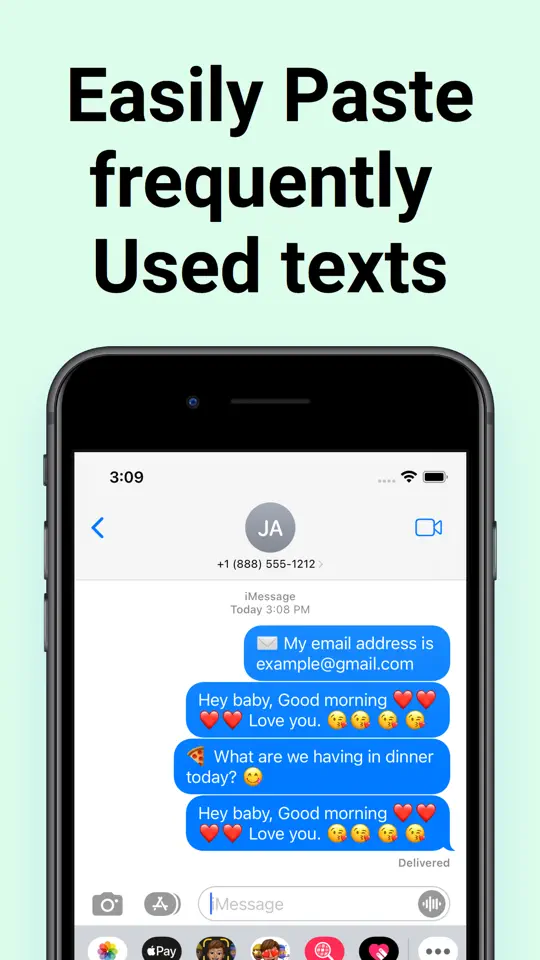
Save the text you type again and again: your address, email, phone number, greetings and replies. Paste it into any app, right from your keyboard.


Scan to downloadPoint your iPhone camera here.
- Free
- iPhone
- Utilities
- iOS 15 or later
- 15 languages
Scroll for more screenshots →
01 — What it does
Type less. Say more.
Save text once
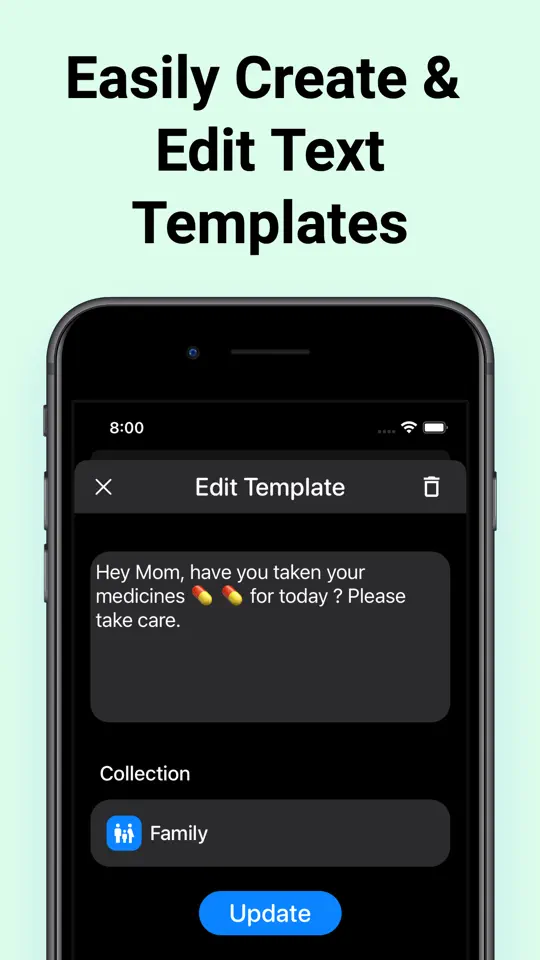
Store addresses, emails, phone numbers, greetings and replies as ready-to-use templates.
Paste from the keyboard
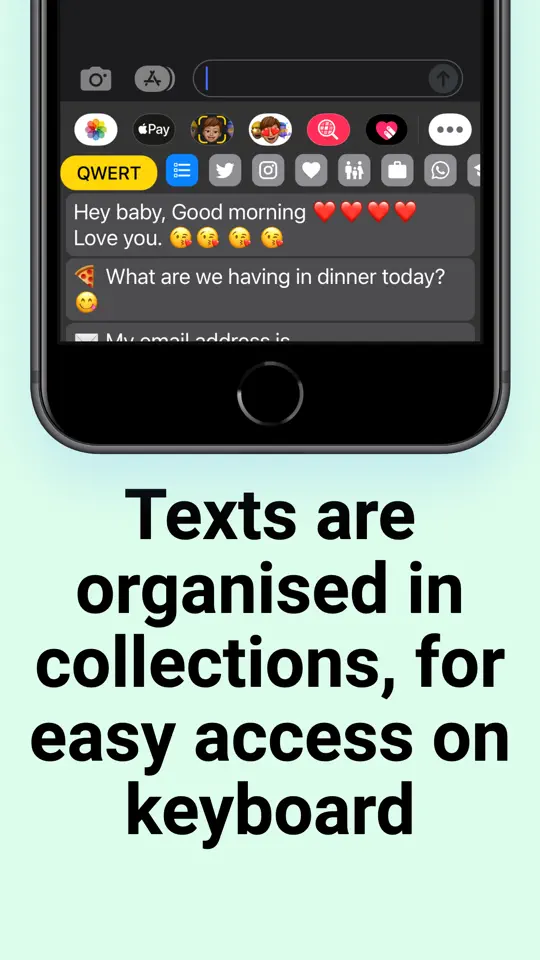
Tap the globe key in any app to switch to Paste Keyboard, then tap a text to paste it.
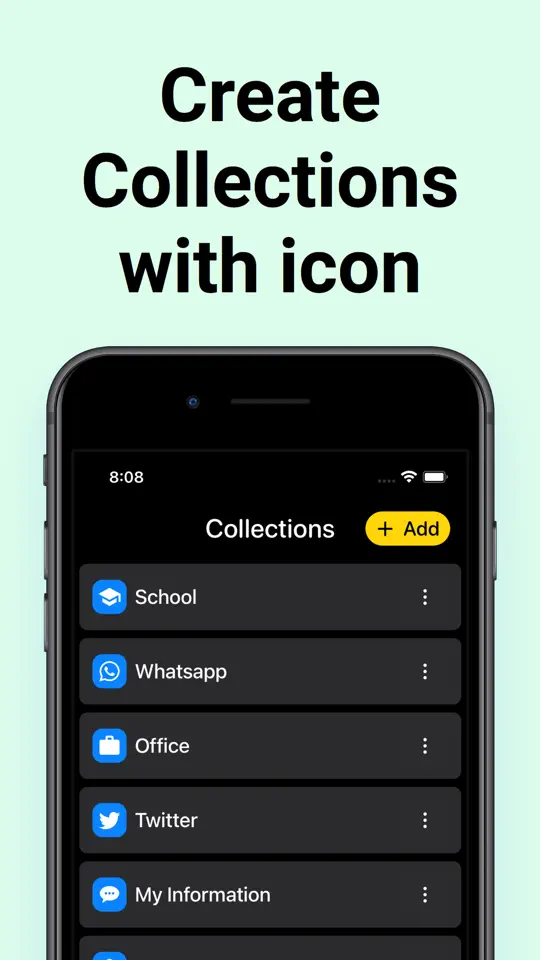
Collections with icons
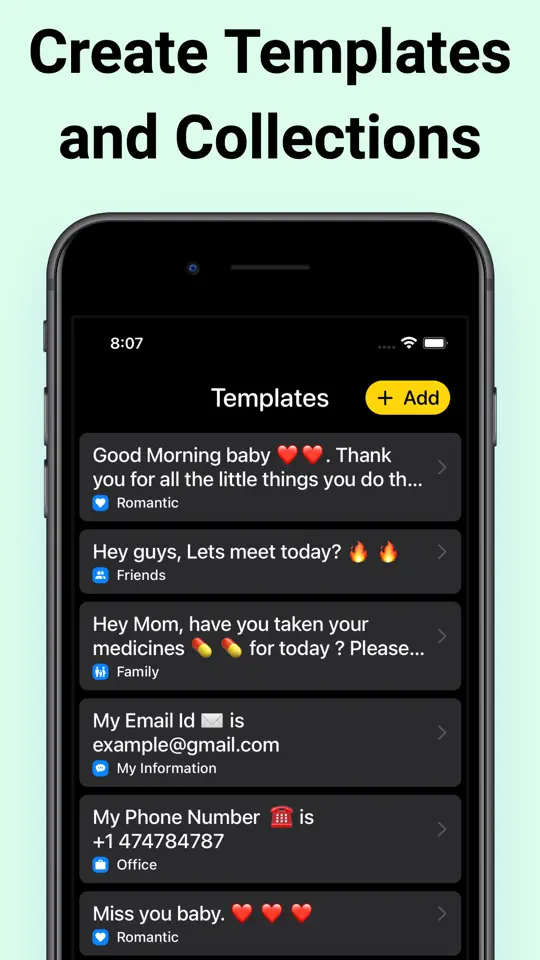
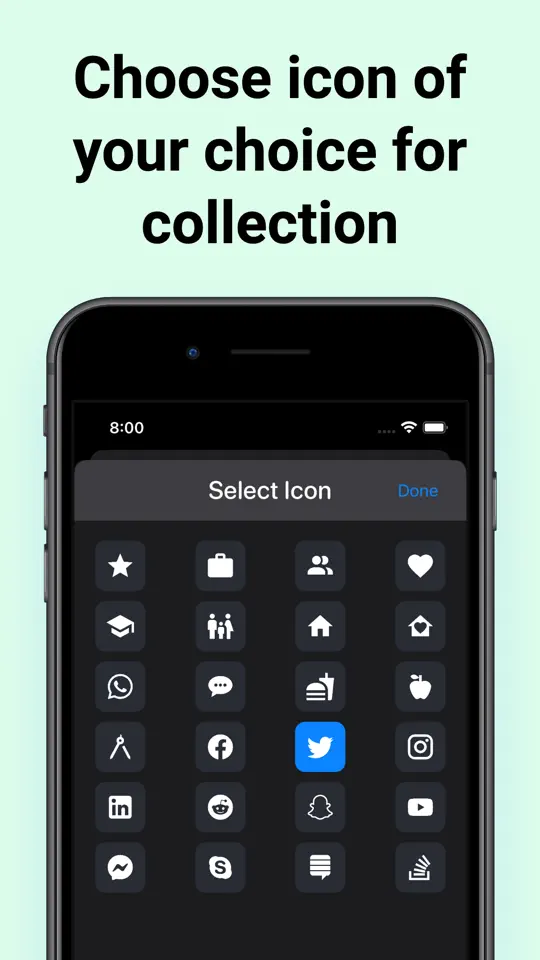
Group your texts into collections like Work, Family or School, each with its own icon.
Auto Paste and Auto Send
Turn on Auto Paste and Auto Send to paste and send your saved text even faster.
Edit any time
Create, change and reorder your templates in the app whenever you need.
Works where you type
Messages, WhatsApp, Mail, Notes and any other app with a text field.
02 — How it works
Three steps. That's it.
Save
Add the texts you use often in the app, and sort them into collections.
Turn it on
In Settings, go to General, Keyboard, Keyboards, Add New Keyboard, and pick Paste Keyboard.
Paste
While typing in any app, tap the globe key, then tap the text you want.
03 — Questions
Good to know.
How do I paste saved text on iPhone with one tap?
Save your texts in Paste Keyboard. Then, while typing in any app, tap the globe key to switch to Paste Keyboard and tap the text you want.
How do I turn on Paste Keyboard?
After installing, open Settings, then General, Keyboard, Keyboards, Add New Keyboard, and choose Paste Keyboard. Now it shows up when you tap the globe key.
What can I save?
Anything you type often: your address, email, phone number, greetings, replies and other long messages.
What do Auto Paste and Auto Send do?
They make pasting faster. Turn them on in the app to paste and send your saved text with fewer taps.
Is it free?
Yes. Paste Keyboard is free to download on the App Store. It needs iOS 15 or later.
Get Auto Paste Keyboard. It's free.
Paste Keyboard: Text Shortcut · iOS 15 or later
04 — More from Bytesong
 QR & Barcode
 ScanX
 Wake Better
 Background Music
 Alarmo