Scan documents to PDF with your iPhone.
Turn paper into clean, shareable PDFs. Scan many pages at once, copy the text, sign and fill forms, and share in a few taps. Your documents stay on your device.


Scan to downloadPoint your iPhone camera here.
- Free
- iPhone
- Business
- iOS 16 or later
- 25 languages
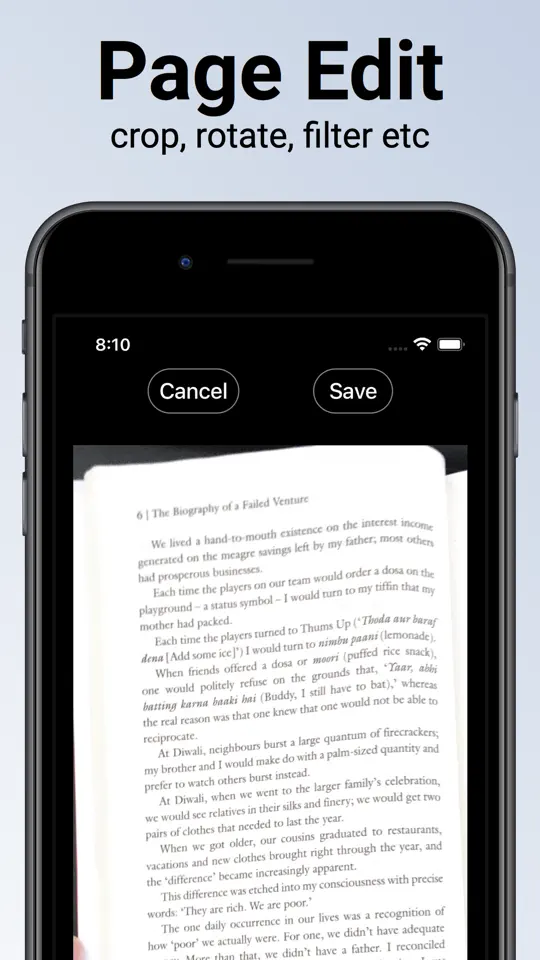
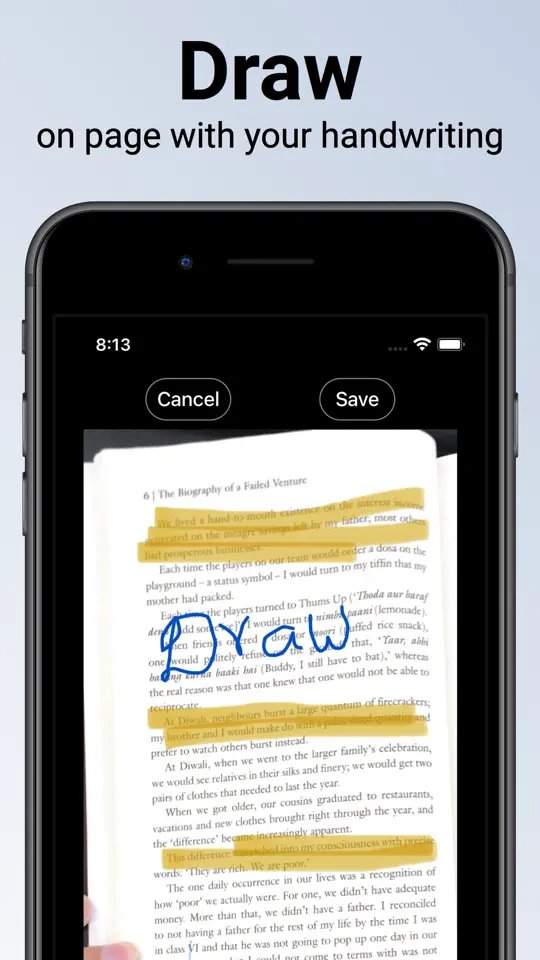
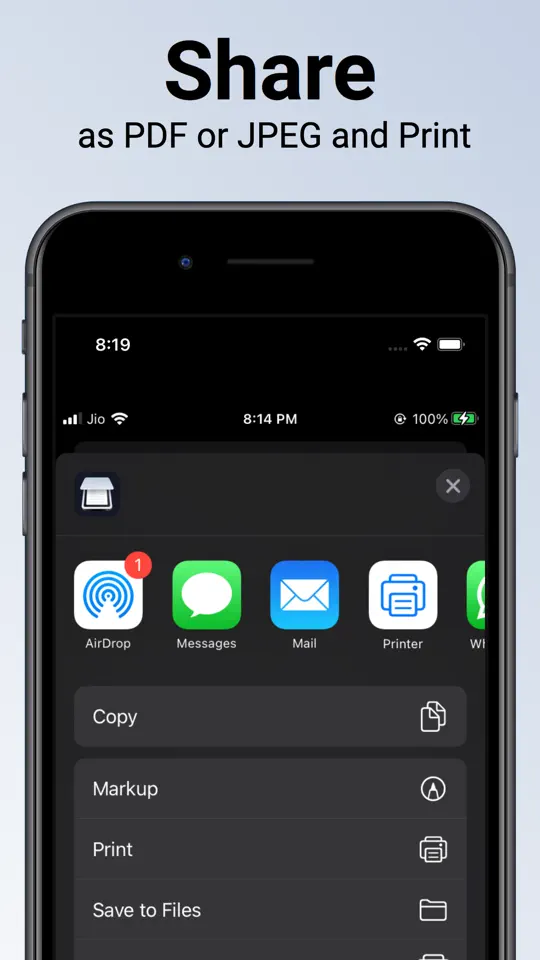
Scroll for more screenshots →
01 — What it does
Paper in. PDF out.
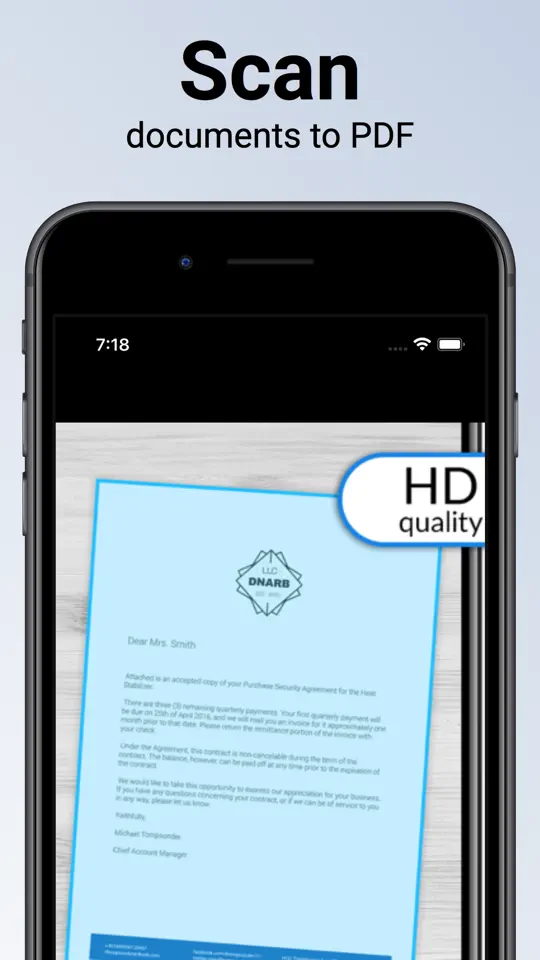
Many pages, one PDF
Scan page after page into one document. Edges are found and pages are flattened for you.
Copy the text (OCR)
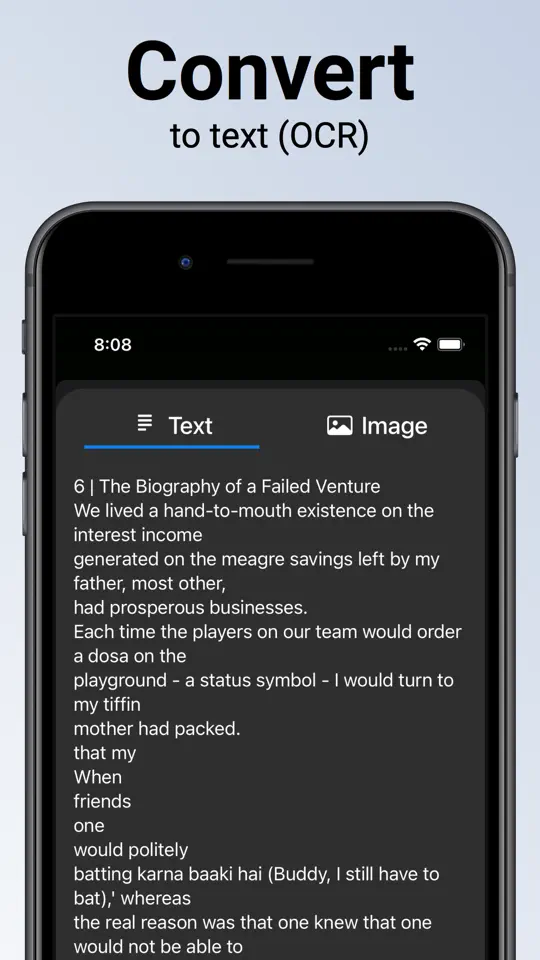
Read the text on every page, then copy, search or share it. Find any document by a word inside it.
Sign and fill forms
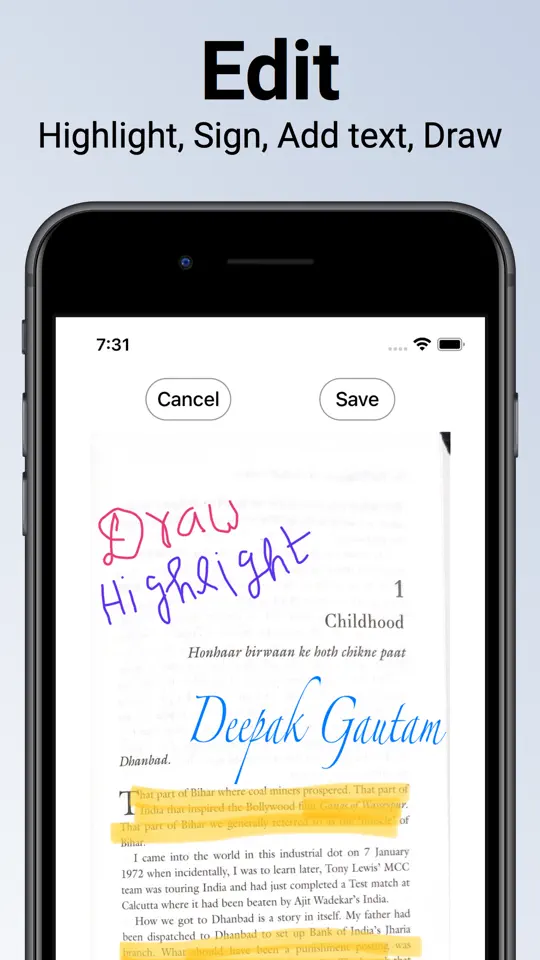
Sign documents, save up to 3 signatures, and fill in PDF forms. Draw, highlight and add text.
Convert and compress
Turn Word, Excel, PowerPoint, text and CSV files into PDF. Compress, merge or split PDFs.
ID cards and passports
Put the front and back of an ID card on one page, at real size.
Private and locked
Documents stay on your device. Lock them with a PIN, Face ID or Touch ID.
02 — How it works
Three steps. That's it.
Scan
Point your camera at the page. ScanX finds the edges and flattens it.
Clean up
Crop, rotate, add a filter, or reorder pages. Add as many pages as you need.
Share
Send it as a PDF, images or text by Mail, Messages, AirDrop or Files.
03 — Questions
Good to know.
How do I scan a document to PDF on iPhone?
Open ScanX and point your camera at the page. It finds the edges and flattens the page for you. Add more pages, then save or share them as one PDF.
Can I copy text from a scan?
Yes. Built-in text recognition (OCR) reads every page, so you can copy, search or share the text. You can even listen to it with Read Aloud.
Can I sign a PDF?
Yes. Draw your signature, save up to 3, and place it on any page. You can also fill in PDF forms.
Can it scan ID cards and passports?
Yes. Scan the front and back of an ID card, or a passport's photo page, onto one page at real size.
Where are my documents stored?
On your device. You can also have every document saved automatically as a PDF to a folder in Files, like iCloud Drive.
Is it free?
ScanX is free to download on the App Store. It needs iOS 16 or later.
Get ScanX. It's free.
ScanX: PDF Document Scanner · iOS 16 or later
04 — More from Bytesong
 QR & Barcode
 Auto Paste Keyboard
 Wake Better
 Background Music
 Alarmo