
The mission alarm you can't sleep through.
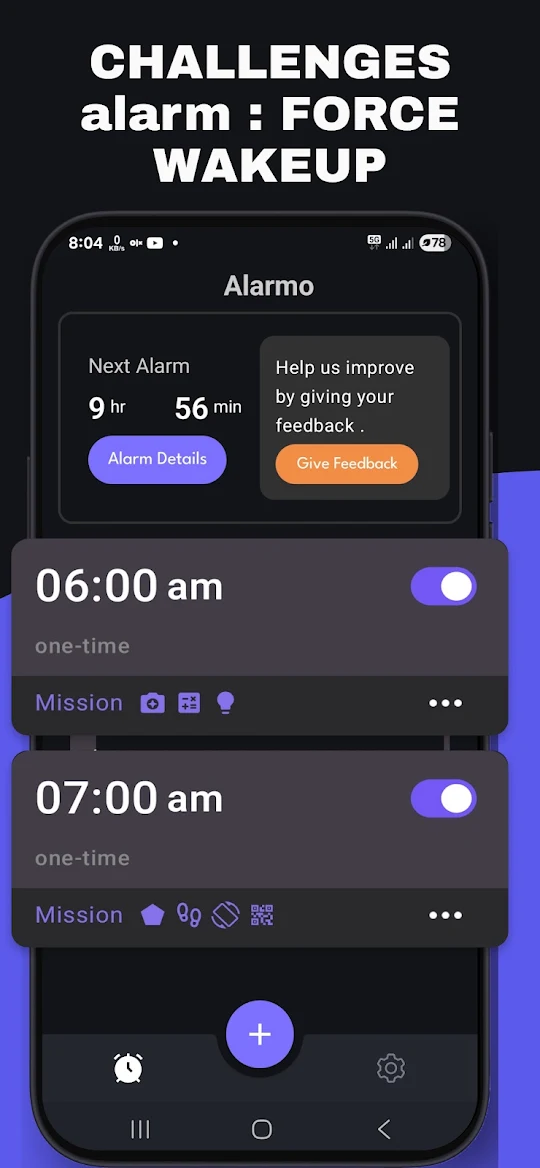
Alarmo only turns off after you finish a mission. Solve math, scan a code, match a photo, walk, shake or type. By the time it's quiet, you're awake.


Scan to downloadPoint your Android phone camera here.
- Free
- Android
- Alarm clock
Scroll for more screenshots →
01 — What it does
Wake your brain. And your body.
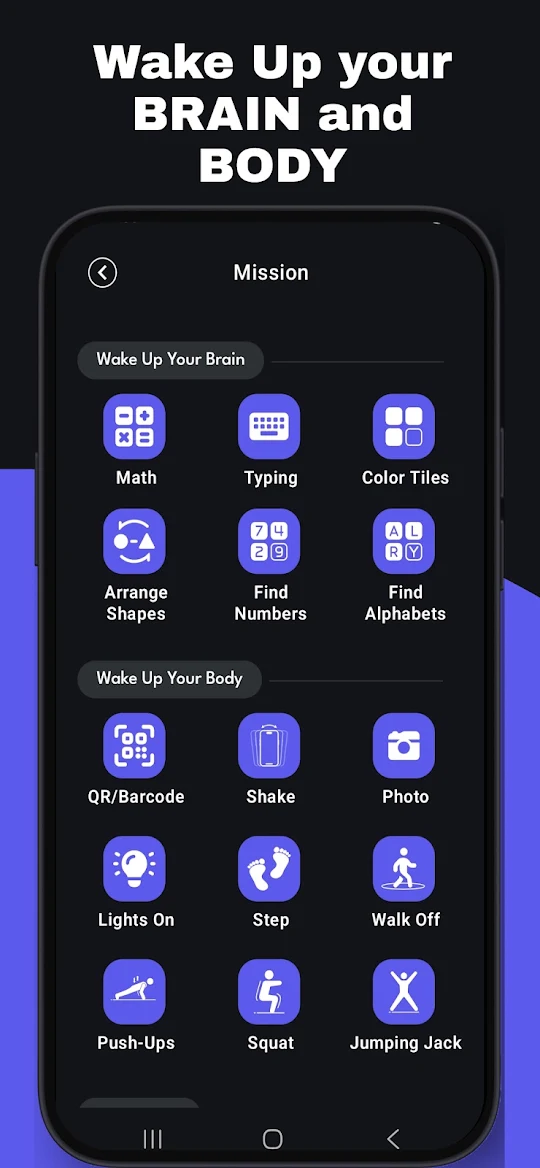
15 missions
Pick the challenge that works for you, from easy to hard.
Math
Solve math problems at the difficulty level you choose.
Scan or snap
Scan a QR code or barcode you set, or take a photo of a place that must match.
Memory and order
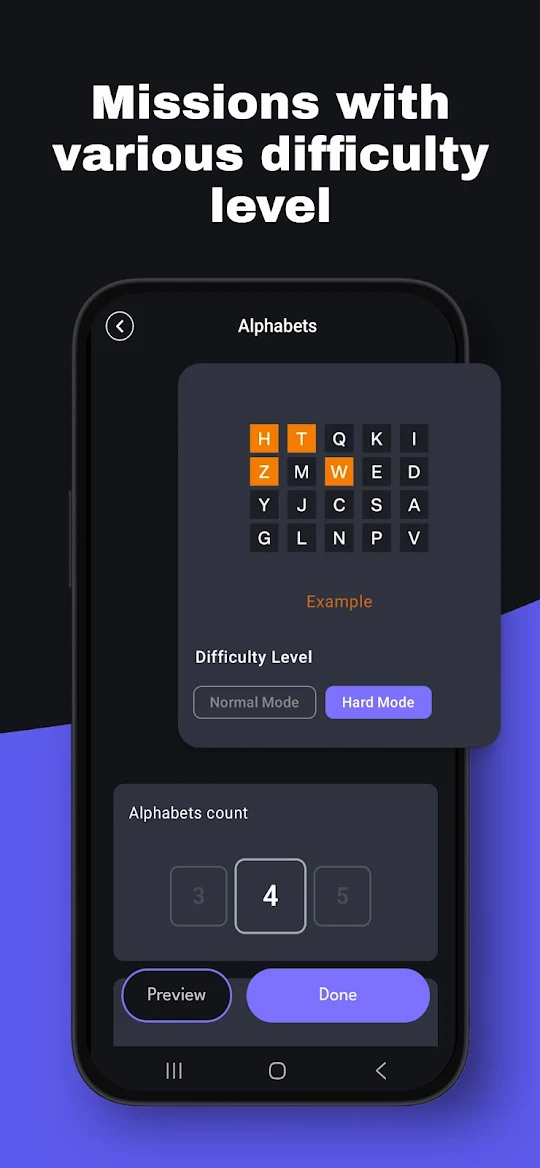
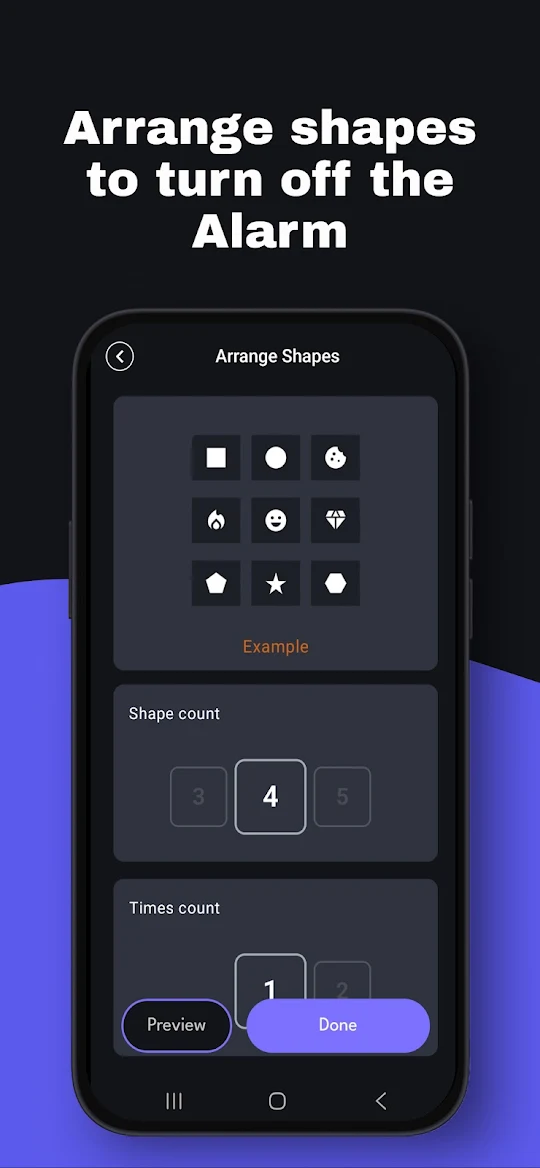
Remember a grid, numbers or letters, or put shapes back in order.
Move
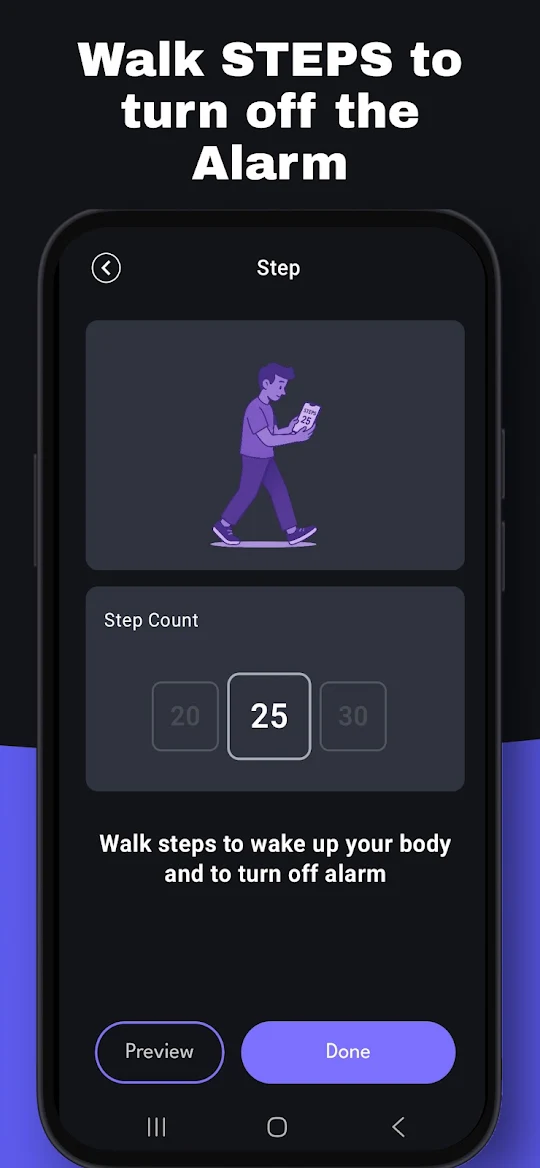
Walk a number of steps, walk a distance, shake your phone, or reach a set place.
Prevent turn off
An optional setting that stops the phone from being switched off while the alarm rings.
02 — How it works
Three steps. That's it.
Set it
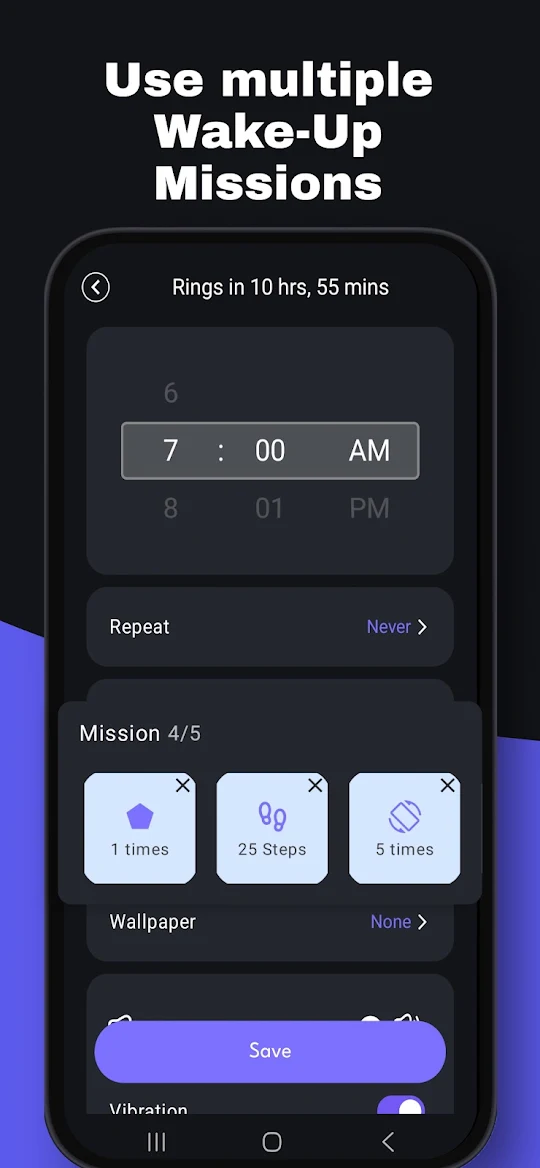
Pick a time and a sound, then choose one or more missions.
Wake up
The alarm keeps ringing until the mission is done.
Stay up
Your brain and body are moving, so you don't fall back asleep.
03 — Questions
Good to know.
What is a mission alarm?
An alarm that only turns off after you finish a task, like solving math or walking. It stops you from turning it off half-asleep.
Which missions does Alarmo have?
Math, QR or barcode scan, photo match, memory games (grid, numbers, letters), arrange games, steps, destination, walk off, shake, typing and lights on.
Why does it ask for permissions?
Only for the missions that need them. The camera is for photo and scan missions. Location is for the destination and walk-off missions.
Is it free?
Yes. Alarmo is free on Google Play.
Is there an iPhone version?
On iPhone, try WakeBetter, our mission alarm on the App Store.
Get Alarmo. It's free.
Alarmo: Mission Alarm · Android
04 — More from Bytesong
 QR & Barcode
 ScanX
 Auto Paste Keyboard
 Wake Better
 Background Music